Do My DSLR Booth Templates Still Work in LumaBooth? (Yes — Here’s How)
Your DSLR Booth templates carry straight over to LumaBooth — nothing to rebuild. Here’s how to import new designs and where to fin…
If you’ve opened your photo booth software lately and done a double-take, you’re not imagining it. As of version 8.0, the photo booth app we’ve all known as dslrBooth has been renamed LumaBooth for Windows. Same software, same license, same templates — new name, fresh coat of paint, and a llama. Let me walk you through exactly what changed and what it means for your booth.
On 24 March 2026, the team behind dslrBooth released the biggest Windows update in years and used the moment to bring all of their apps under one roof. The Windows app you run on your laptop is now LumaBooth for Windows, sitting alongside LumaBooth for iPad, iPhone and Mac. In the company’s own words, “LumaBooth for Windows is dslrBooth, grown up, unified, and more powerful than it has ever been.”
Nothing about your day-to-day workflow disappears. Your existing license keeps working, your events open like before, and — the bit that matters most for us — your DSLR Booth templates still work exactly as they did.
For years the “DSLR” in dslrBooth caused confusion. Plenty of operators now run their booths from a webcam, an iPad or even a phone — no DSLR in sight — so the name no longer described who was actually using it. Pulling Windows, iPad, iPhone and Mac together under the single LumaBooth banner gives the company one brand to build on, and gives us one name to explain to clients. (And yes, there’s a new mascot: Luma the llama. I don’t make the rules.)
If you want the full feature-by-feature breakdown, I put together a side-by-side in LumaBooth vs dslrBooth: what’s actually changed.
This is the part I get asked about most, so let me be blunt: you do not need to rebuild anything.
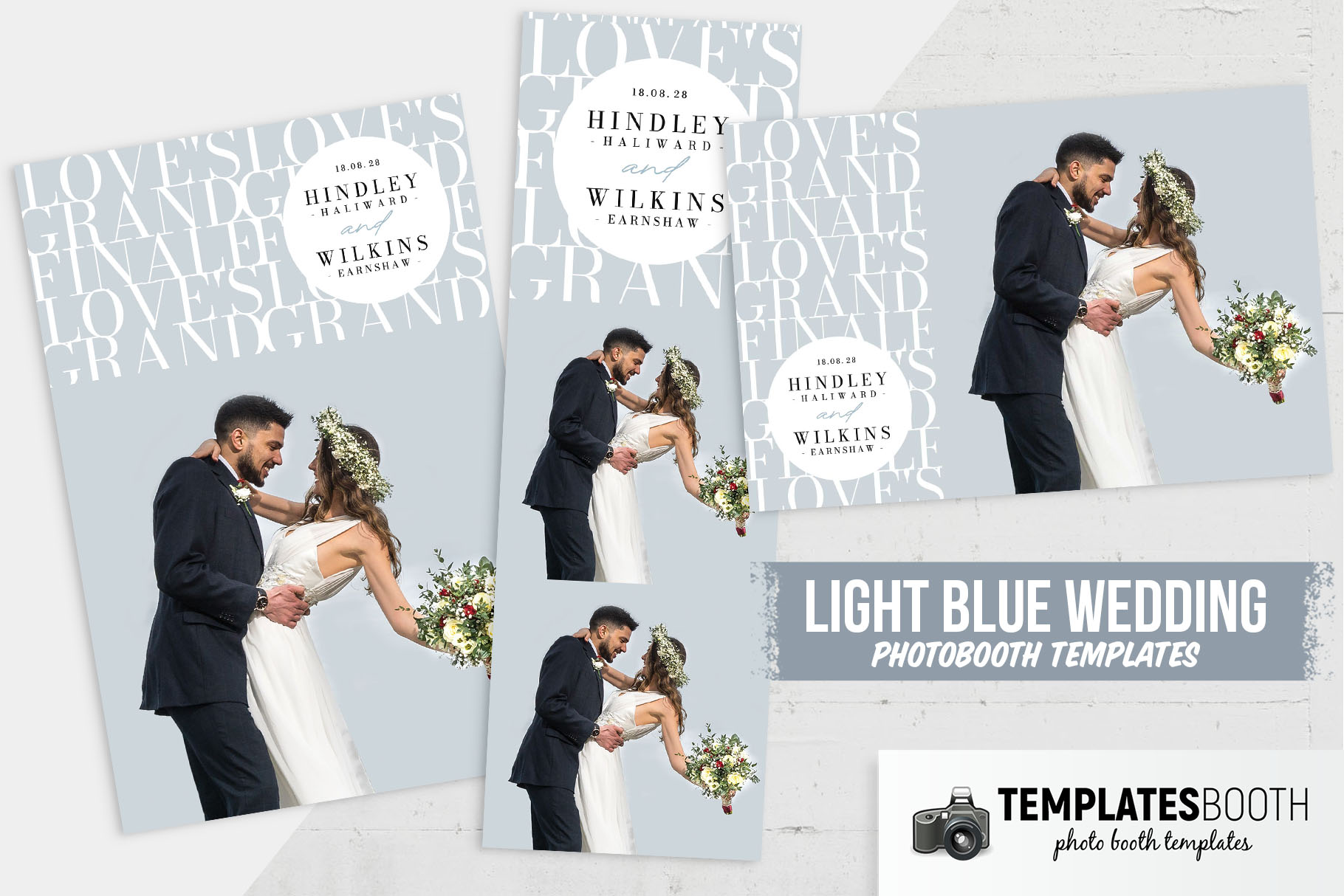
Every template I feature on this site — including the 25 best DSLR Booth templates and the free templates round-up — loads in LumaBooth for Windows without any extra steps. The template format hasn’t changed with the rebrand, so the library you’ve already built is safe. I cover the import process in detail in do my DSLR Booth templates work in LumaBooth?
I’ve now run LumaBooth 8.0 at a wedding and two corporate nights. Honestly? It feels like dslrBooth on a good day — the same muscle memory, but the web dashboard saved me a setup headache and the AI Portraits got more laughs than I expected. The rebrand is mostly a branding exercise on top of a solid, familiar app. If you were happy with dslrBooth, you’ll be happy here. And if you’ve been holding off on refreshing your designs, this is a perfect excuse to upgrade your template collection.
Yes. As of version 8.0 (released 24 March 2026), the Windows app formerly called dslrBooth is now LumaBooth for Windows. It’s the same software with a new name, a refreshed design and added features.
No. Your existing dslrBooth license works identically in LumaBooth for Windows — there is no repurchase or migration fee.
Yes. The template format did not change with the rebrand, so all of your existing templates carry over automatically and new DSLR Booth templates load as normal.
The rebrand landed with the version 8.0 release on 24 March 2026, the largest Windows update in years.

I’m Michael Kenny — I’ve been running photo booths at weddings, birthdays and corporate gigs for over 15 years. I started DSLR Templates back in 2022 to share the designs, tools and shortcuts I wish I’d had when I started out. More about me →
Your DSLR Booth templates carry straight over to LumaBooth — nothing to rebuild. Here’s how to import new designs and where to fin…
Is LumaBooth different software or just a new logo on dslrBooth? Here’s a clear, honest side-by-side of what changed in the 8.0 up…
The beauty of minimalist photo booth templates lies in their ability to effortlessly meet your clients’ needs while ensuring every…