LumaBooth vs dslrBooth: What’s Actually Changed in Version 8.0
Is LumaBooth different software or just a new logo on dslrBooth? Here’s a clear, honest side-by-side of what changed in the 8.0 up…
This is the question that fills my inbox: “Michael, I just updated to LumaBooth — do my DSLR Booth templates still work?” Short answer: yes, all of them. Here’s the longer answer, plus exactly how to load them.
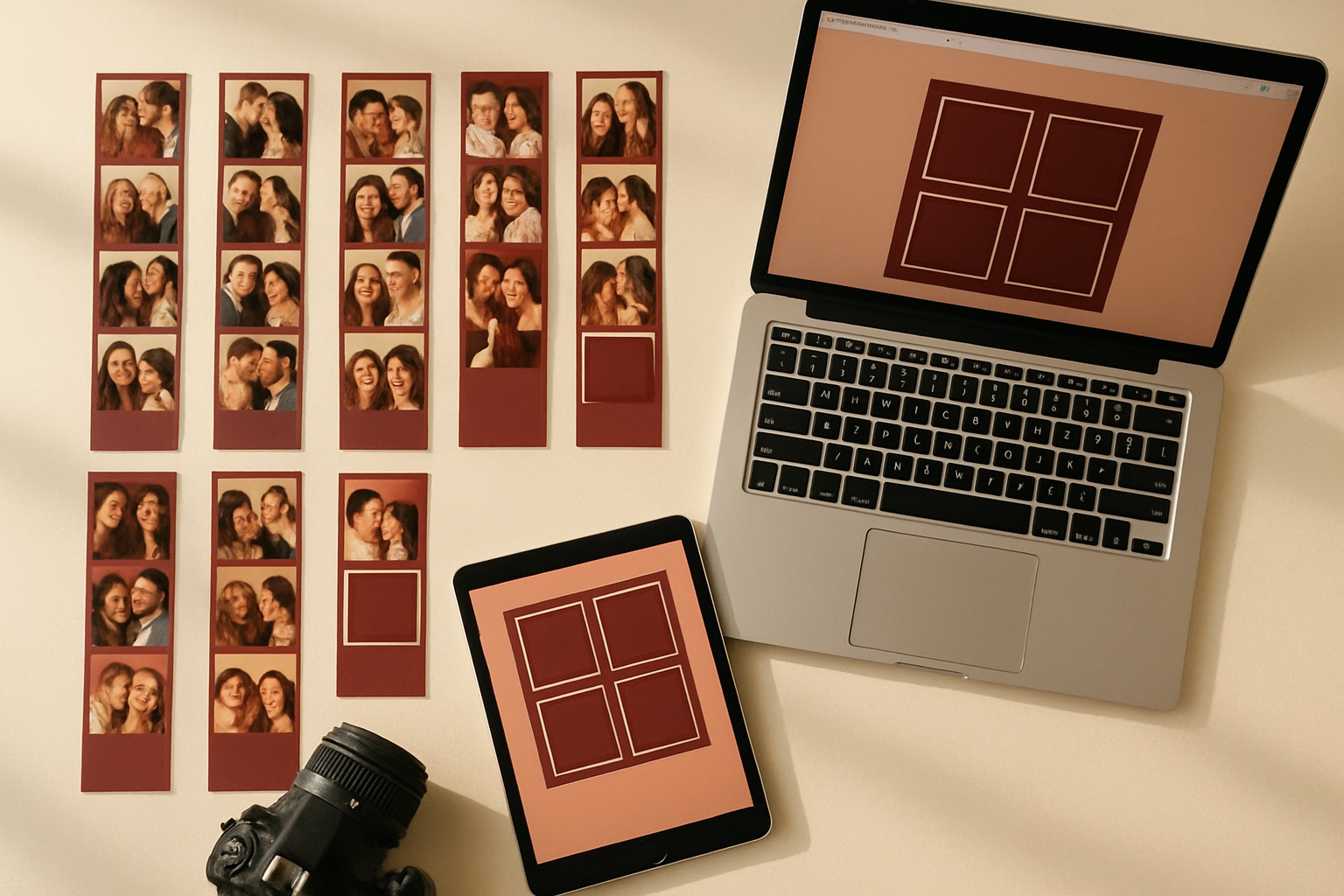
When dslrBooth became LumaBooth for Windows in the 8.0 update, the template format stayed the same. That means every design already saved on your machine appears in LumaBooth after updating — no conversion, no re-import, nothing to redo. Your events, settings and saved data come along too.
Adding fresh designs works just like it always has in dslrBooth:
That’s it. If you can install a template in dslrBooth, you already know how to do it in LumaBooth.
Yes. The format hasn’t changed, so a template described as a “DSLR Booth template” is exactly what you load into LumaBooth. You’ll see both names used interchangeably for a while — that’s normal during a rebrand. Everything I list on this site is in that compatible format, including the 25 best templates and the 10 free templates.
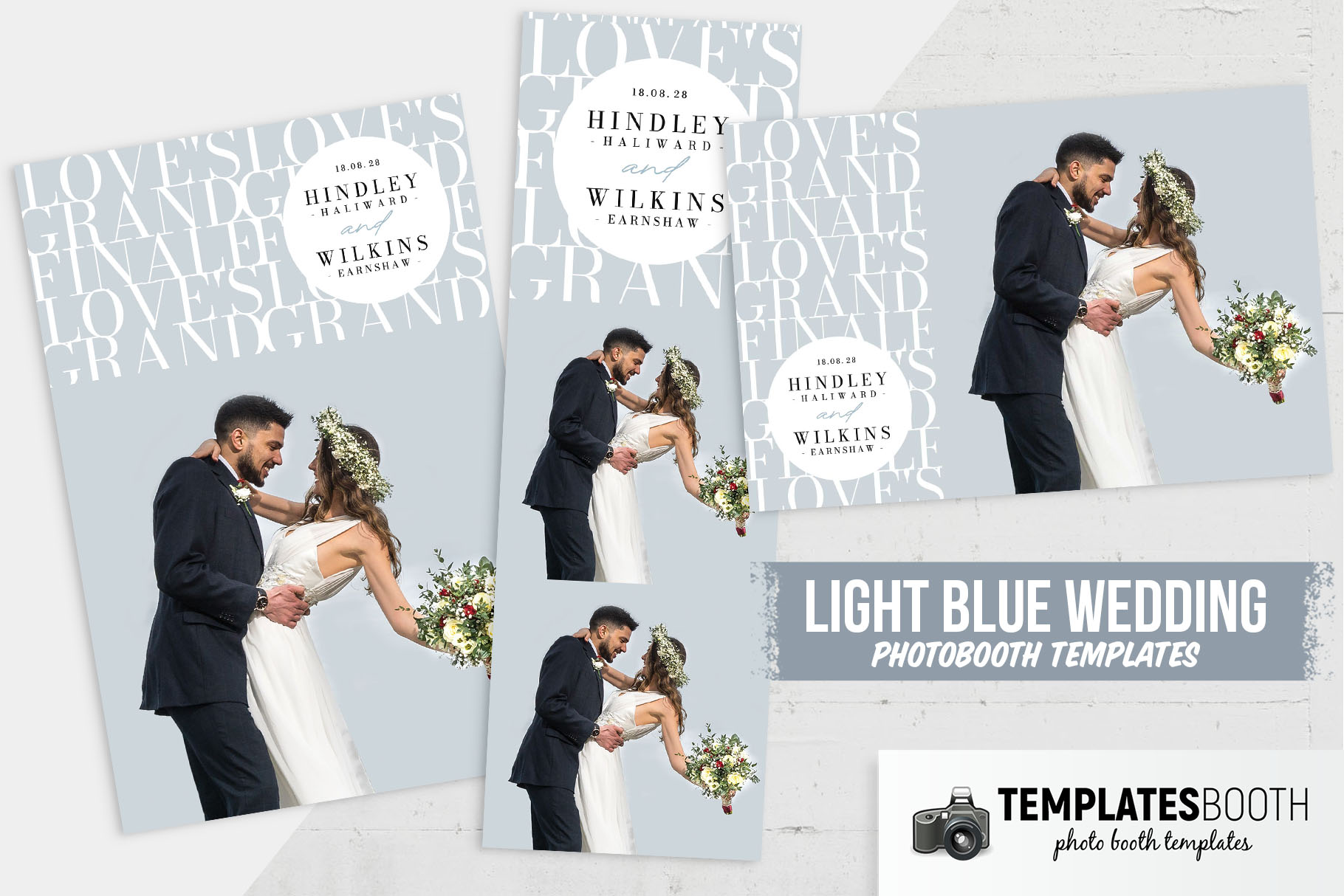
The 8.0 update bundles 820+ templates, which is a great start — but if you want designs that help you stand out from every other booth in town, it’s worth building your own curated library. I keep round-ups by occasion so you can grab what you need:
All of the premium and free designs I recommend are available to download from TemplatesBooth in the ready-to-use DSLR Booth / LumaBooth format.
Yes. The template format is unchanged, so every DSLR Booth template — existing or newly downloaded — works in LumaBooth for Windows with no conversion needed.
Download and unzip the template, then in LumaBooth go to Settings → Templates and import it. Set your print size and run a test print before the event.
Yes. Because the format didn’t change, “DSLR Booth templates” and “LumaBooth templates” are the same files. Every design on DSLRTemplates.com is in that compatible format.

I’m Michael Kenny — I’ve been running photo booths at weddings, birthdays and corporate gigs for over 15 years. I started DSLR Templates back in 2022 to share the designs, tools and shortcuts I wish I’d had when I started out. More about me →
Is LumaBooth different software or just a new logo on dslrBooth? Here’s a clear, honest side-by-side of what changed in the 8.0 up…
As of version 8.0, dslrBooth is now LumaBooth for Windows. Same license, same templates, new name — here’s everything a photo boot…
The beauty of minimalist photo booth templates lies in their ability to effortlessly meet your clients’ needs while ensuring every…